What I'm crafting
I am learning Python right now. See below for some code I wrote. Click Code to see the source code, or Output to see the results!
★ Rainbow Turtles
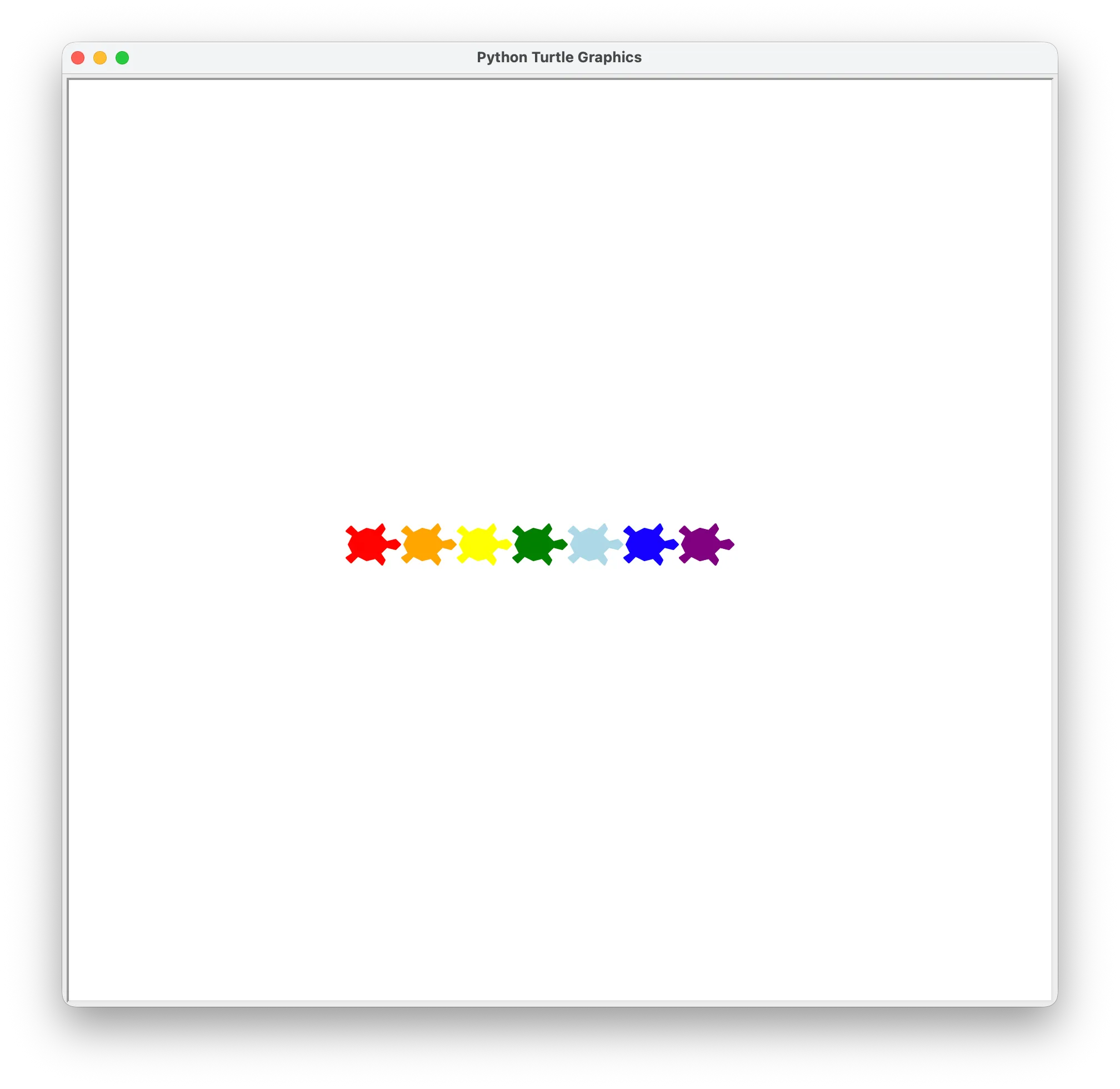
I learned how to use for loops to draw a row of turtles. The variable i changes the color so each turtle has a different rainbow color!
import turtle

turtle = turtle.Turtle()
turtle.turtlesize(2, 2, 2)
turtle.shape("turtle")
turtle.penup()
turtle.back(230)

for i in range(7):
    turtle.forward(50)
    if i == 0:
        turtle.color("red")
    elif i == 1:
        turtle.color("orange")
    elif i == 2:
        turtle.color("yellow")
    elif i == 3:
        turtle.color("green")
    elif i == 4:
        turtle.color("light blue")
    elif i == 5:
        turtle.color("blue")
    elif i == 6:
        turtle.color("purple")
    turtle.stamp()
❄ Snowflake (with functions!)
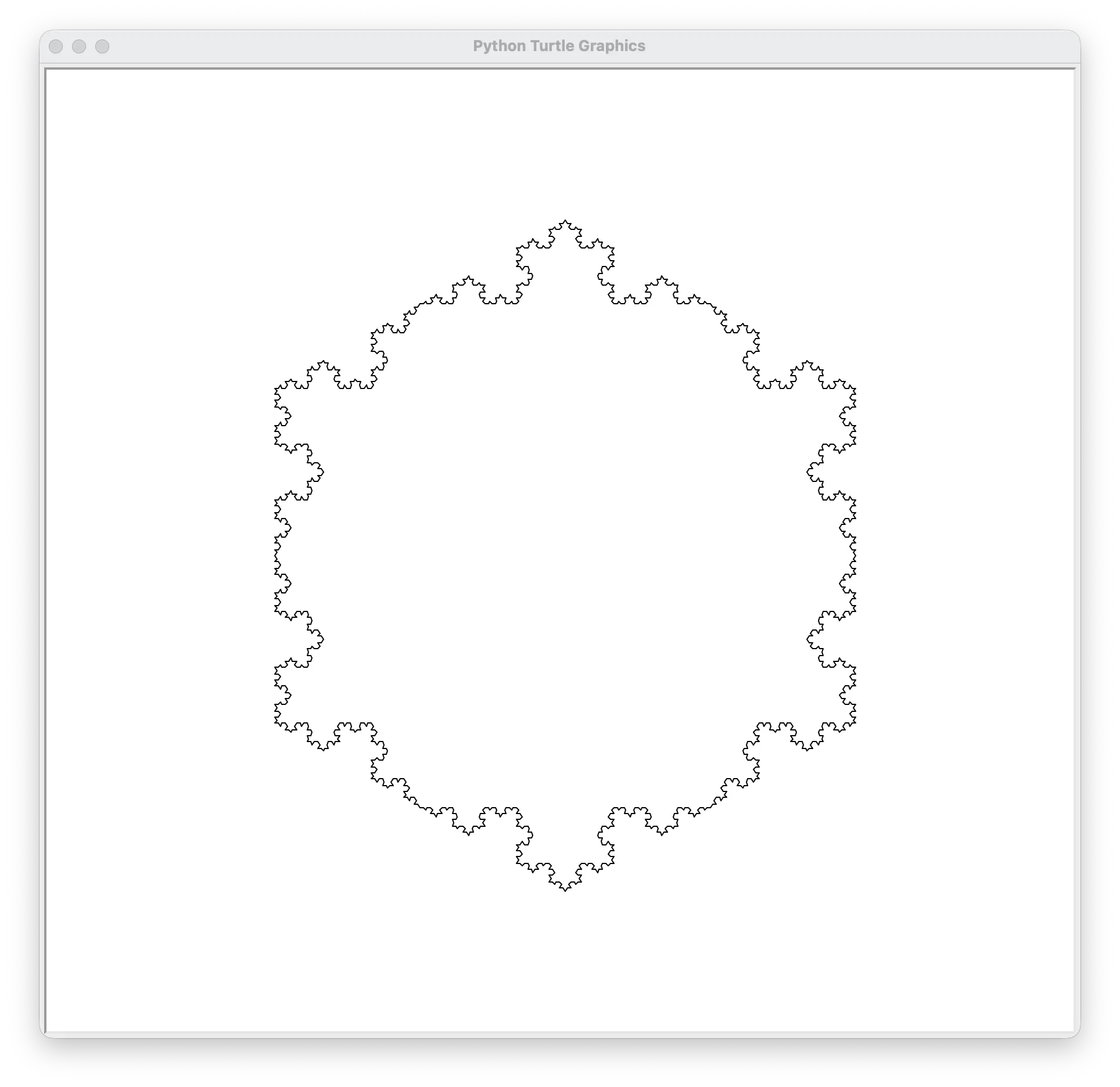
With the help of my dad, I made a function called draw_wedge. It uses recursion — the function calls itself to draw little branches. That makes a snowflake shape!
import turtle


def draw_wedge(pen, L, depth):
    if depth == 0:
        pen.forward(L)
    else:
        draw_wedge(pen, L / 3, depth - 1)
        pen.left(60)
        draw_wedge(pen, L / 3, depth - 1)
        pen.right(120)
        draw_wedge(pen, L / 3, depth - 1)
        pen.left(60)
        draw_wedge(pen, L / 3, depth - 1)


if __name__ == "__main__":
    pen = turtle.Turtle()
    length = 250

    pen.speed(500)
    pen.penup()
    pen.back(length)
    pen.left(60)
    pen.forward(length)
    pen.right(60)
    pen.pendown()

    for i in range(3):
        draw_wedge(pen, length, 4)
        pen.right(120)
    pen.ht()
♦ Diamonds Pattern
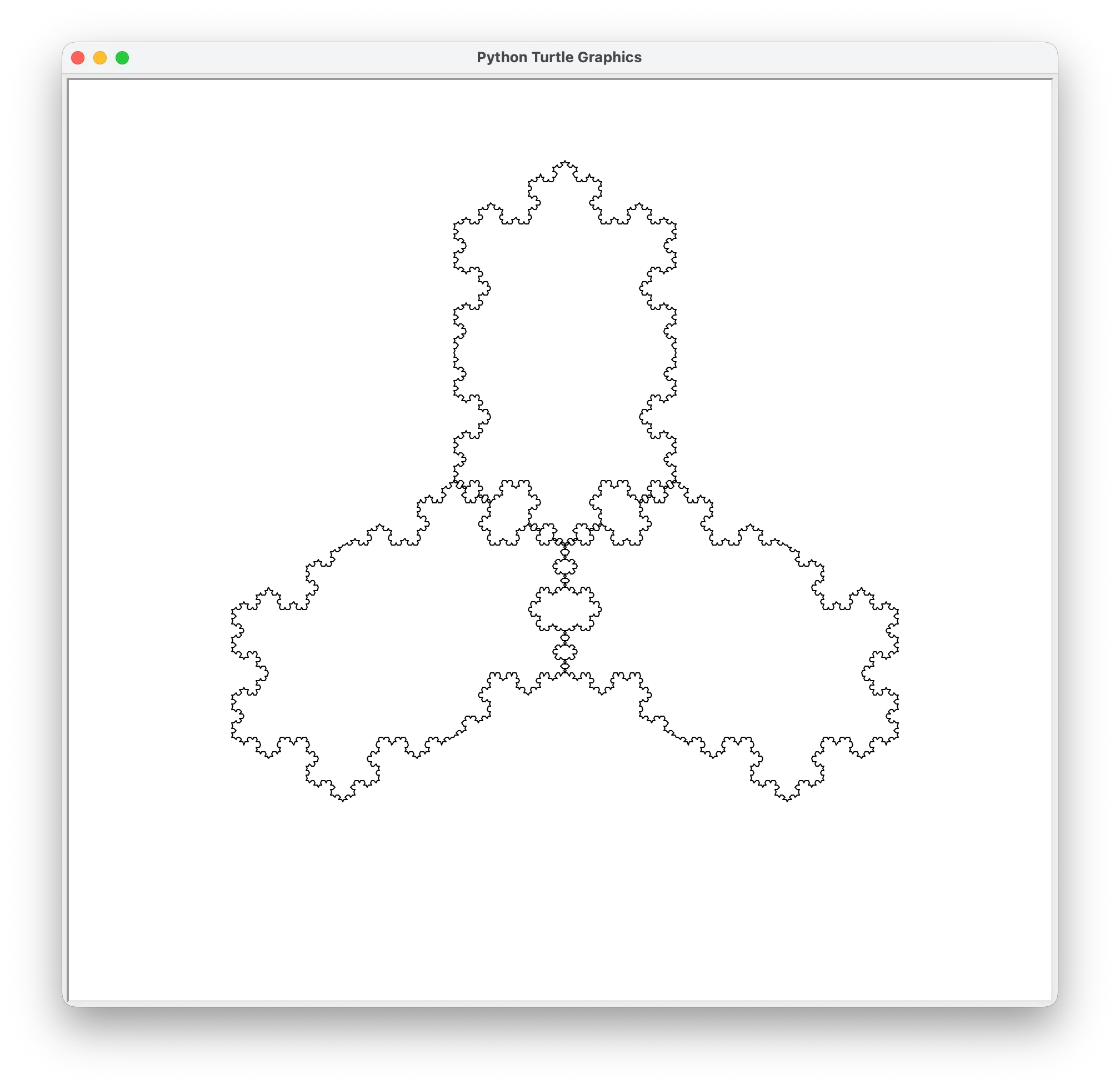
This uses my draw_wedge function in a loop to make a cool pattern of diamonds going around in a circle. I can change the numbers to get different shapes!
import turtle
from draw_wedge import draw_wedge

L = 200
lev = 4

turtle.speed(500)
turtle.ht()

for i in range(3):
    draw_wedge(turtle, L, lev)
    turtle.right(60)
    draw_wedge(turtle, L, lev)
    turtle.right(120)
    draw_wedge(turtle, L, lev)
    turtle.right(60)
    draw_wedge(turtle, L, lev)
    turtle.right(120)
    turtle.right(120)
? Coming soon...
I'm working on something new. I'll add it here when it's ready!